
Watch Out for This Web + App Issue in GA4
+ Easily recycle Twitter threads on LinkedIn

Welcome to Part I of Edition No. 31 of my weekly newsletter, providing practical analysis in the world of digital content strategy.
Highlights from Friday’s updates:
Is Google’s ‘Helpful Content’ Update Affecting Your Site?
Snapchat’s Comeback Plan (Leaked)
Community Context Tool ‘Birdwatch’ is Expanding
Contents
I. Tip: Turn Twitter Threads into LinkedIn Carousels (for Free)
II. Analysis: Google Analytics 4’s App + Web Challenge
Tip: Recycle Your Twitter Threads on LinkedIn
I have written previously about how Twitter threads are all the rage these days.
I’m going to show you a tool that helps turn them into LinkedIn carousels in 2 minutes or less – for free.
Why would you want to do that? Your Twitter and LinkedIn audiences are probably fairly distinct, if not markedly so.
This, then, is an easy way to recycle a piece of your own original content onto another platform. (Though you could also use it to showcase someone else’s thread.)
1. Find a Twitter thread you want to share
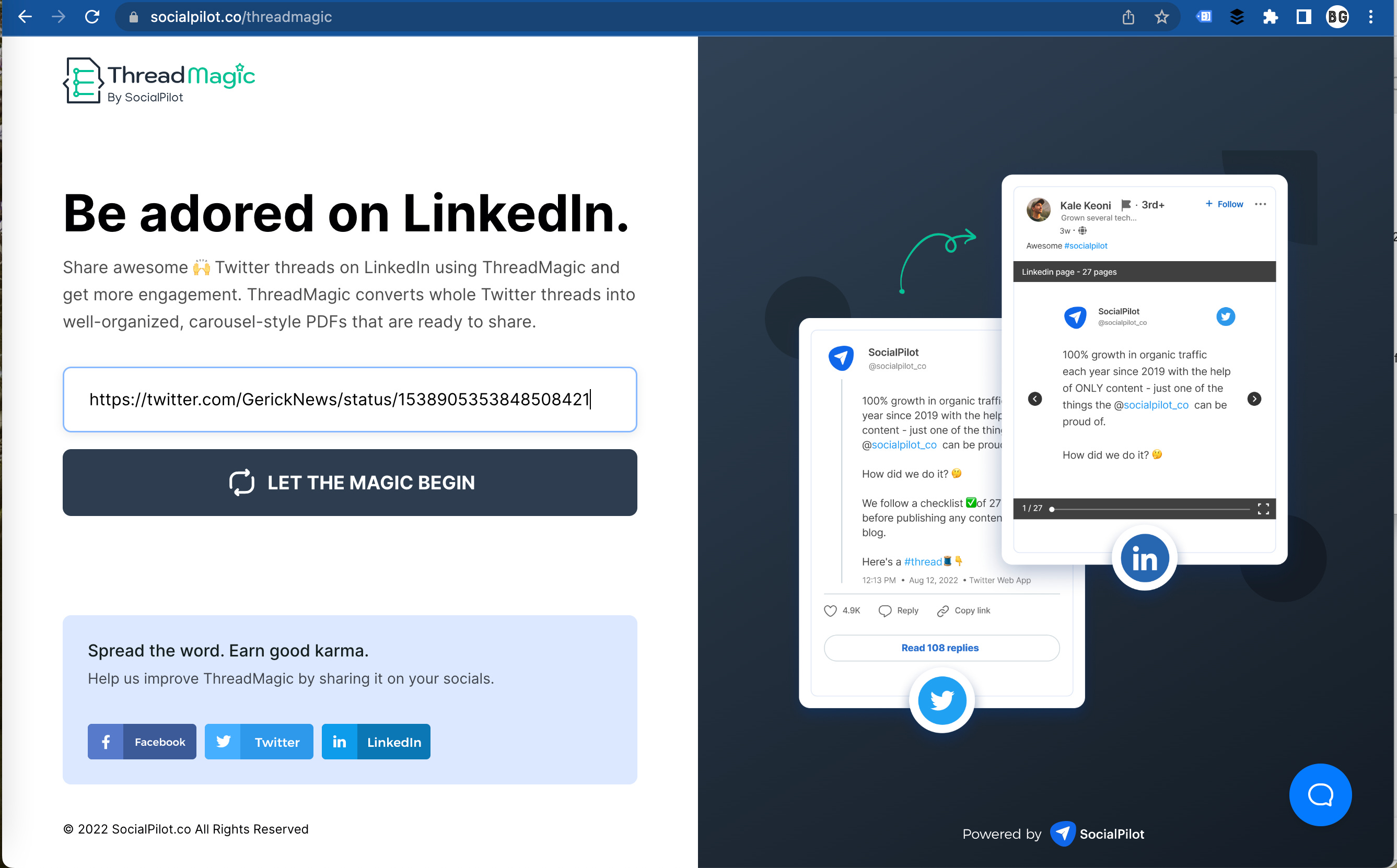
2. Go to Social Pilot’s Thread Magic tool, enter the URL of the first tweet in the thread and click the LET THE MAGIC BEGIN button
3. When prompted, enter and SUBMIT your email address

4. Download the file once it arrives
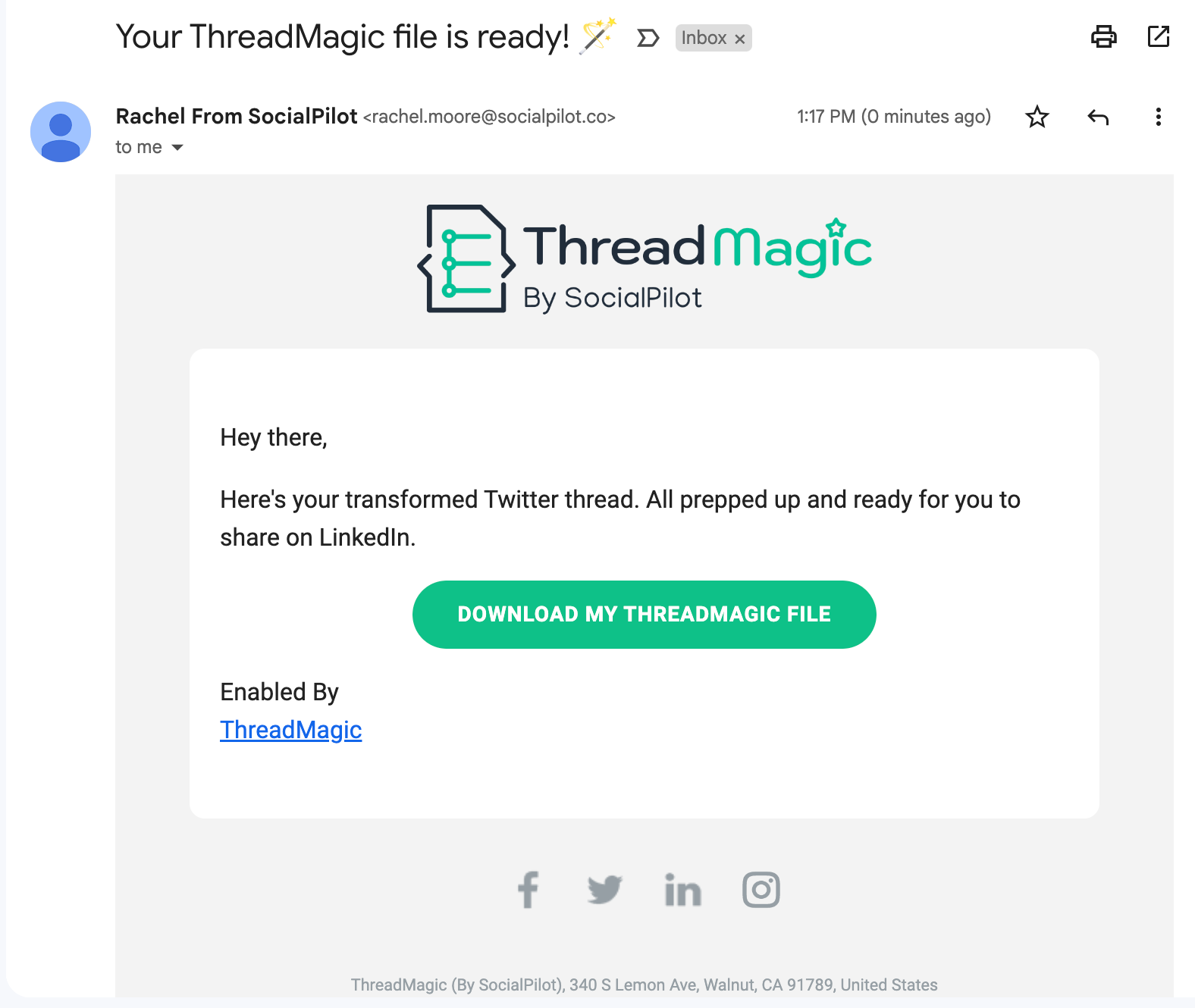
5. Open it in Preview on a Mac (or any other PDF editing tool). Delete any unwanted pages. (I didn’t want to include the ThreadMagic promo on the last slide)

6. Go to LinkedIn, start a new status and choose the “Add a document” option and upload your PDF
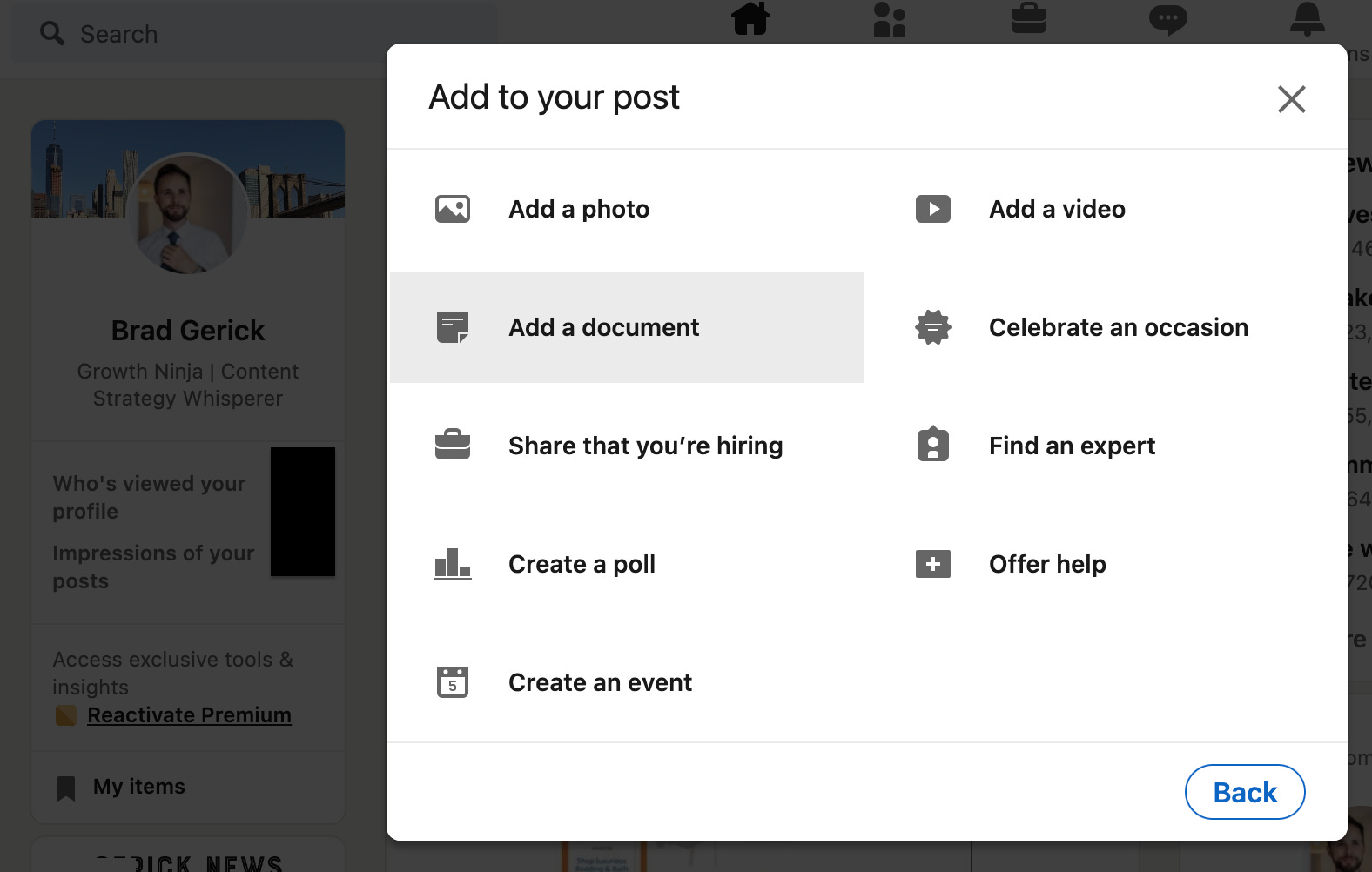
7. Add a document title and some accompanying text, then publish your status

All done!
As you’ll see in my post, the PDF rendering isn’t perfect. It may add or delete things that are(n’t) visible in the original tweet.
So before publishing, make sure what you upload is accurate and represents you well. Otherwise, it’s quite useful for a free tool.
Did you find this tip useful? Share it to help spread the word.
Analysis: Google Analytics 4’s App + Web Challenge
During a recent call with a client, they asked me about the benefit of Google Analytics 4’s Web + App format.
You see, in Universal Analytics (aka GA3), every website and app was a separate property. In GA4, however, every website and app is a data stream within a single property.
The idea is to aggregate all your user behavior within a single dashboard. (Don’t worry – you can break out individual data streams within your reports.)
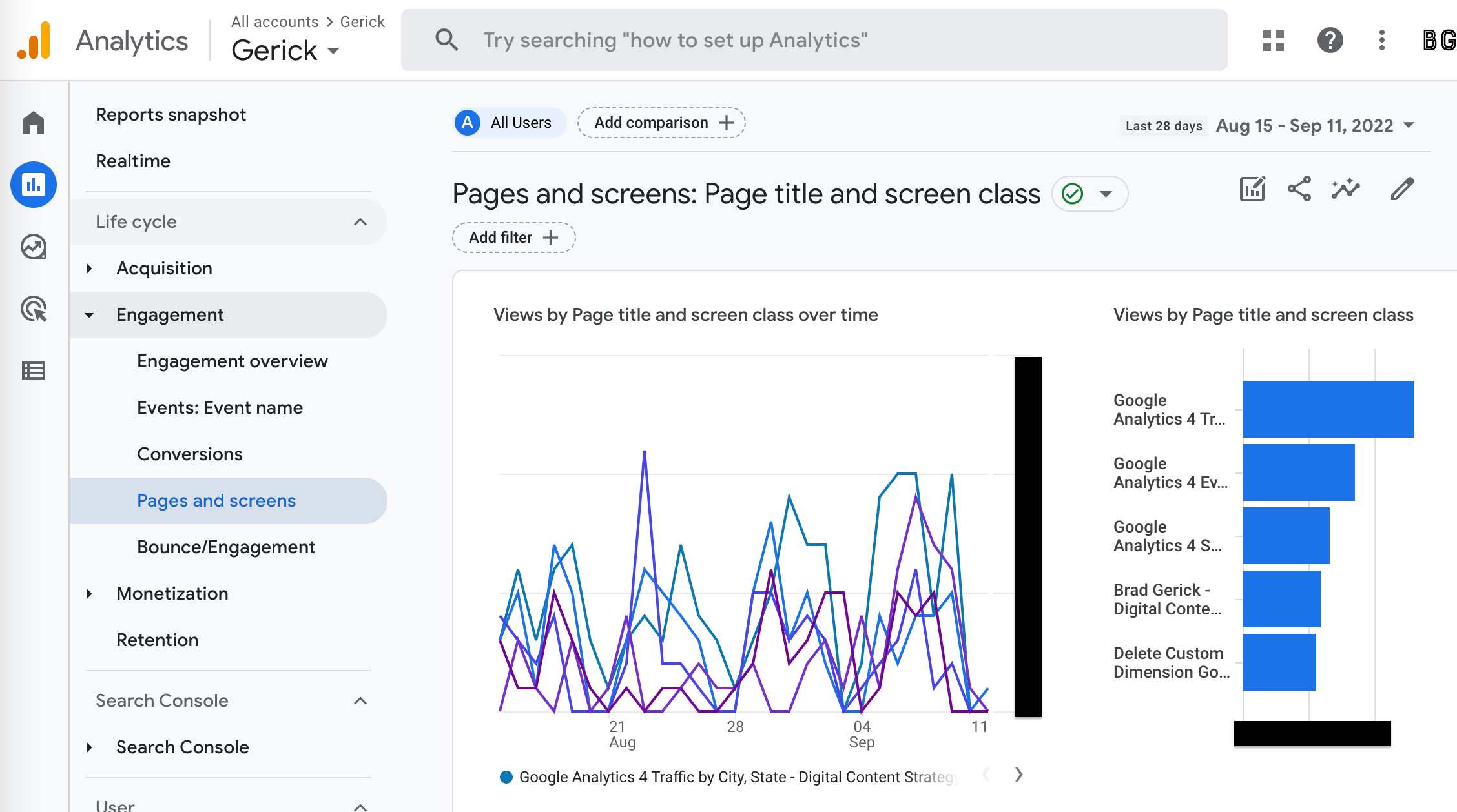
But there was a problem when we pulled up the Pages and Screens report.
Keep reading with a 7-day free trial
Subscribe to Gerick News(letter) to keep reading this post and get 7 days of free access to the full post archives.